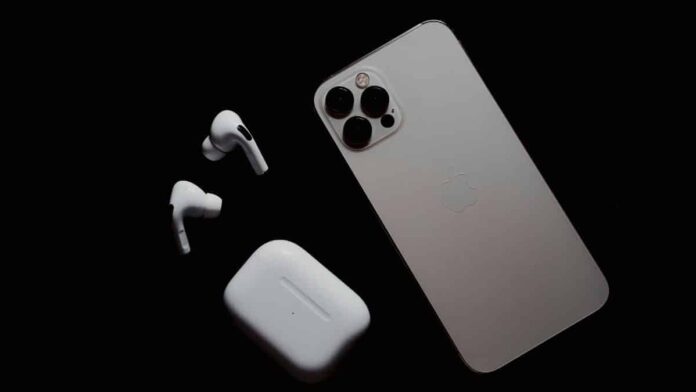

According to a source, iOS 18, presented at the Worldwide Developers Conference (WWDC) 2024 on Monday, would provide additional functions to the iPhone 15 Pro’s Action button. Apple is said to provide quick access to extra configurable actions such as Calculator, Stopwatch, Home, Remote, and more.
Users can apply nine preset options to the button, in addition to the default action of doing nothing. However, it may soon have additional features like as dark mode, device control via the Home app, and the ability to launch Tap to Cash.
According to 9to5Mac, Apple has added 14 new customisable actions for the Action button in iOS 18 Developer Beta 1. iOS 17 now has options for bringing up Voice Memo, Camera, Focus, Silent Mode, Torch, Translate, Magnifier, Accessibility, and Shortcuts. In addition to these alternatives, users can choose to do nothing.
iOS 18 is reported to expand on these existing actions with a new ‘Controls’ option in the iPhone settings. New options include:
- Calculator
- Alarm
- Stopwatch
- Home
- Timer
- Wallet
- Dark Mode
- Scan Code
- Airplane Mode
- Cellular Data
- Personal Hotspot
- Remote
- Tap to Cash
- Ping My Watch
Apple introduced the Action button in 2023 with the launch of the iPhone 15 Pro and iPhone 15 Pro Max. It replaced the mute switch above the volume controls, but it is unavailable in iPhone 15 models.
In addition to new features for the Action button, Apple announced a significant revamp of the Control Center. While it was not shown at WWDC, iOS 18 will enable users to use camera features in third-party apps. The presence of this prospective feature was confirmed via a new framework for developers called “LockedCameraCapture”.
Also Read:
- Bing Video: How to Browse and Search? Why It’s Better?
- iPiccy Review, Alternatives and Similar Websites and Apps
Apple says developers may use it to create an extension that lets users activate the app’s “camera experience and capture content quickly when the device is locked.”
With iOS 18, users will be able to swipe across pages to see more controls and toggles. A new controls gallery will show the entire array of options that can be added to the Control Center.


 2024 on Monday, would provide additional function...)