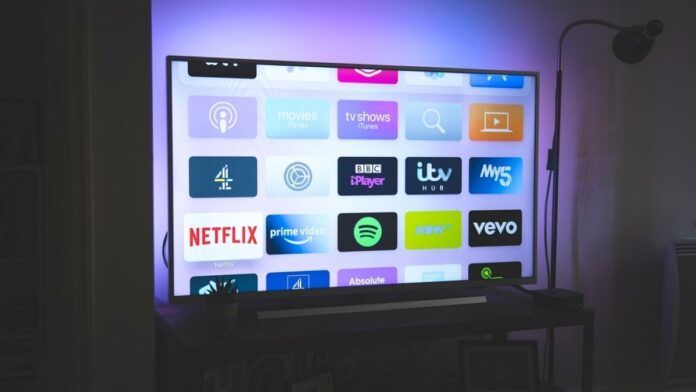

Android-based Smart TVs are pretty common these days. They not only offer regular updates but also a wide range of apps. So, if you got an Android TV and want to know the easier way to install apps on your TV then this post is for you.
Most Android TV users think the only easy way to install apps on TV is to navigate to the Google Play store and search for the apps. While this may sound easy, the process is actually clumsy as navigating on a TV and typing to search these apps via the remote controller is difficult.
However, Google has an update on this front. In the coming days, you will now be able to install Android TV apps on your TV via the Google Play store on your smartphone. It has already started rolling out to a few users and makes the process of app installation easy.
How To Install Android TV Apps From Smartphone
A Reddit user first spotted the new feature, and it looks easy to use. Basically, there’s a new option in Google Play that allows you to install an app on an Android TV device right from your smartphone. This is the same way Google does remote installs for Wear OS devices.
Google is releasing a server-side update on the Play Store and hence, you will have to wait until you see the update available for you. Here’s what you need to do:
- First of all, make sure that your Android TV-based smart TV is logged into the same Google account as your Android smartphone.
- Now, head over to the Google Play store on your Android phone and search for the desired app.
- Once you find it, tap on it. You will see a small drop-down arrow button next to the “Install” button (only if the update is active for you).
- As part of this list, you will have all the devices registered on your Google account that are eligible to install the app. You will see the name of your Android TV devices listed here.
- Tap on the TV and click install.
- You will soon see the app getting installed on your smart TV, provided that the device is connected to the internet.
Also Read:
- What Does TFTI Mean? Definition and Usage Examples
- What Does Upside Down Smiley Mean? Facts Explained
Alternatively, you can continue to install apps on your TV the conventional way by navigating to the TV’s Play store. Additionally, you can also sideload app APKs from third-party sources but it’s not safe.
It seems that Google is rolling this feature out gradually, as not all users are seeing it on their phones yet. Unfortunately, you may have to wait a little while for it to come to your phone.