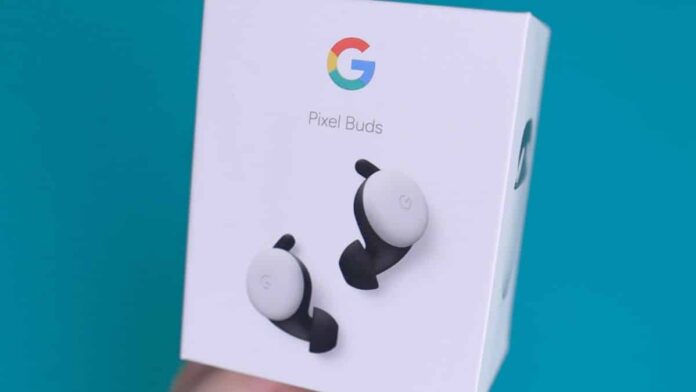

Google has finally launched Google Assistant Quick Phrases to its Pixel Buds Pro after making it available on other Pixel products like as smartphones, tablets, and Nest devices. The Pixel Buds Pro, which was released more than a year ago, was already pretty intelligent due to various built-in Google functions such as Translate and more.
Quick Phrases, another Google Assistant innovation, now allows you to use your phone without saying “Hey Google” before your voice command. Quick Phrases are the simpler way to use voice commands.
Users can simply say the command, instead of using the wake-up phrase (or hotword) like “Hey Google” before speaking out the command/task for Google Assistant. This feature has been available on Google Pixel devices since the Pixel 6 series, however, it is only now (officially) available on the Pixel Buds Pro.
While the function sounds exciting it is usually used to finish a task rather than begin one. On Pixel devices, users can simply say “accept” or “decline” to respond to an incoming call. Alarms can also be snoozed by just speaking the word “snooze”. Simply speaking the word “stop” will stop a timer.
This may appear to be incredibly useful, and to some extent, it is, but it is still relatively limited in terms of functionality compared to standard “Hey Google” voice commands, which have less constraints and are far more numerous and versatile.
For the time being, Pixel smartphones only support a few commands, such as answering, declining, and silencing calls, as well as the ability to snooze and stop alarms and timers. The new Pixel Buds Pro update allows you to handle calls using the first three fast phrases without first launching Google Assistant.
Also Read:
How to enable Quick Phrases on your Pixel Buds Pro?
It’s straightforward to enable Quick Phrases on your Pixel Buds Pro. Open the Settings app and search for “Quick Phrases.” To activate each short phrase scenario, simply toggle ON the settings once in the section. In the same section, you can also see which devices support which short phrase situation.


