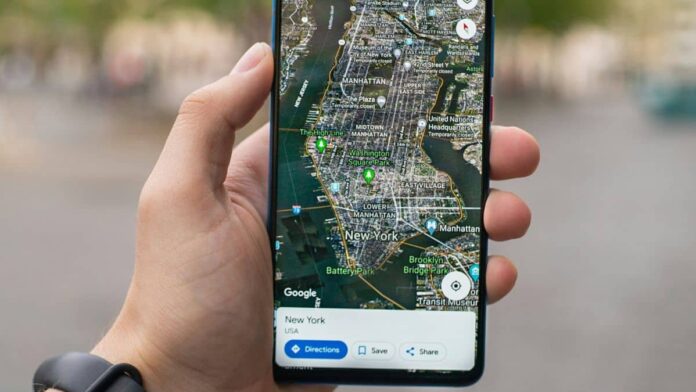

Google Maps for Android was updated with a new interface early this year, and it is now being handed out to users across different regions. The redesigned interface features a bottom sheet layout in which the menu and information are displayed within rounded sheets that do not span the entire space, rather than edge-to-edge.
Changes have also been made to the directions and navigation page, and much of the information that was previously displayed at the top of the screen has been moved to the bottom. Notably, the revised interface was initially noticed in February.
The new UI was introduced with Google Maps for Android version 11.136.0101. LoudFact was able to access the new interface, which included all of the updated features. The update has been released to the public, and compatible devices should receive it soon. It is still being determined when the revised interface will be available to iOS users, as the app now displays the old UI.
The new layout, initially spotted in February, aligns with Google’s Material Design 3 guidelines and includes bottom sheets in the app. The overall appearance is less crowded and more immersive. The search bar and navigation menu (where users enter their origin and destination) at the top of the screen take up less space, and the edge-to-edge layout has been replaced with rounded corners. This implies that viewers can still see a small portion of the map in both upper corners.
On the other hand, much of the previously viewable information at the top of the screen has been moved to the bottom sheet. For example, at the bottom will be displayed location information and navigation options, such as the distance between the two locations and the estimated travel time.
Also Read:
Notably, the sheets have curved borders, allowing users to see more of the map through previously covered corners. The new view is more immersive and functional, as it provides more context for the page. The location information page now includes a share icon, which allows you to rapidly send information via messaging, social media, and other compatible apps.


