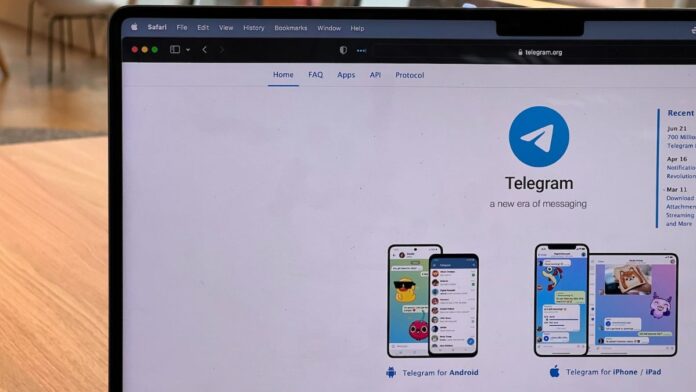

Telegram just released a new version that included new and advanced features for users. However, some of the new features are only available to Telegram Premium members. The upgrades include several innovative tweaks to the basic reply feature.
With the latest update, users can also format quotes and personalize link previews. With the latest version release, Telegram stories received some minor improvements.
Select users can change the colors of their accounts, including channels above certain levels. Previously, the app offered reaction stickers as well as dual camera modes, among additional functions. The social media platform announced that the next update is in the works.
Telegram confirmed in a blog post that with the latest version, users can quote specific parts of any message and reply to them, making responses more accurate. To do so, tap (or hold on iOS) a message, then hold and drag to choose the desired text, and then choose Quote.
Users can also reply to a message from one conversation to another, whether privately in direct messages or in other, related group chats or channels. You can reply to a message by selecting Reply in Another Chat and then selecting the relevant chat. If viewers/receivers have access, they can open the message in the original chat by tapping the reply.
Along with the ability to quote part of a text, Telegram now allows users to format any quotes. You can bold, italicise, etc, a message or a part of a message that you desire to quote. You can also include many quotes in a single response.
When sharing a link, Telegram now gives you the option to personalize the link preview to your preference. If you attach multiple links to a message, you can alter the size of the thumbnail image, pick whether the preview shows above or below your message and choose which link to preview. The links can be opened by tapping anywhere in the preview section.
You can now fast-forward and rewind video stories in the Telegram Story area by holding down on the screen and sliding right or left, respectively. You can also use the front flash feature, adjusting its warmth and intensity for each image or video you choose to capture from the Story part.
Also Read:
Finally, Telegram Premium users can now customize a color or color combination for their account with this update. This feature is also available to Level 5 and higher channels. With this, the color of your name in all groups, the color of the links you share, and the replies to any of your messages will always be the color or color combination you select.
Telegram Premium users on Android phones can access this by going to Settings > Chat Settings > Change Name Color. To change the color of your name on iOS, go to Settings > Appearance > Your Name Color.